



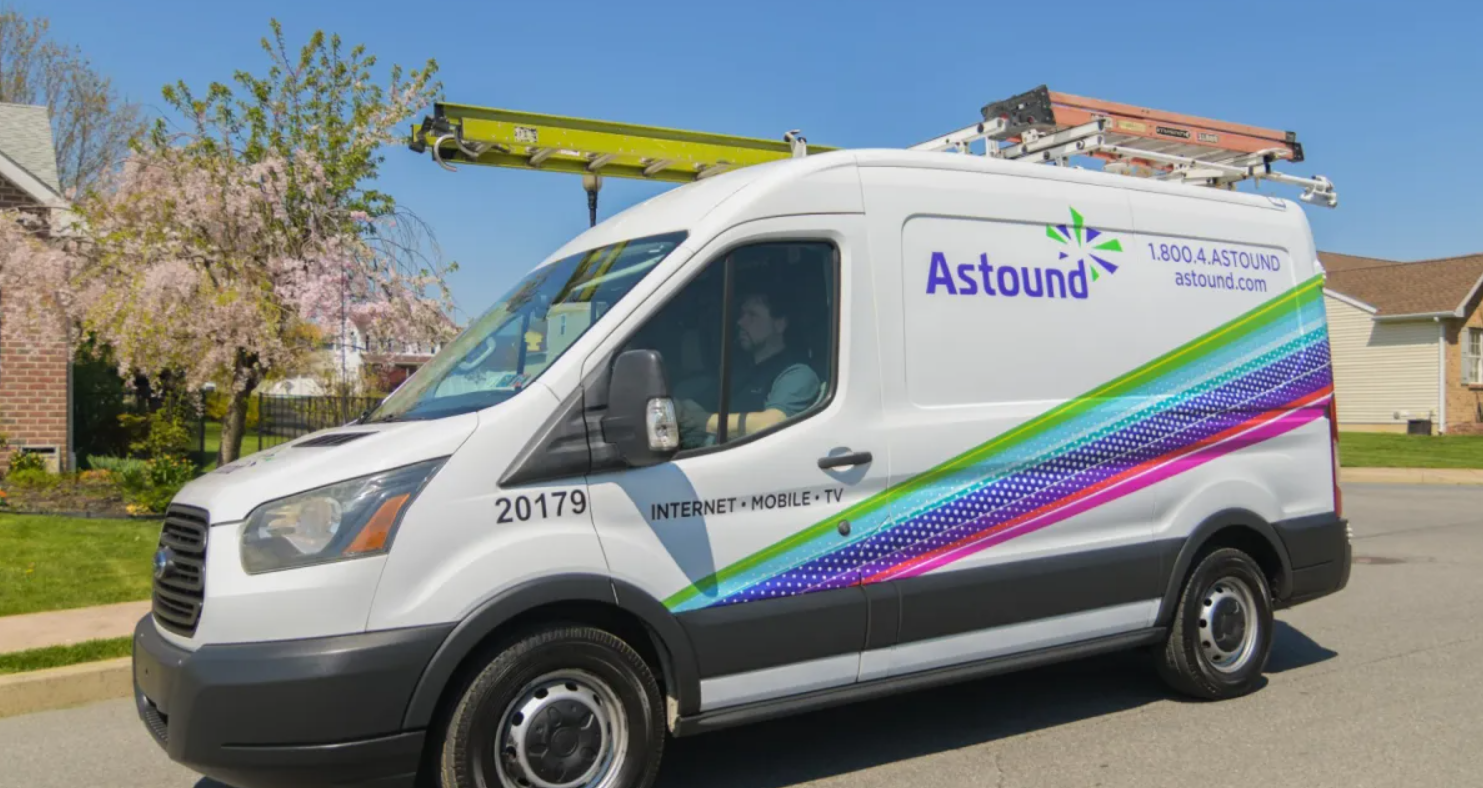







A typical fiber installation starts with scheduling with the provider and a pre-visit assessment to determine whether lines run aerially or underground. If digging is required, utilities are marked and a suitable route is chosen to minimize disruption.
During the visit, technicians determine the best path for the fiber drop, secure the line, and decide where the indoor handoff will land—often a low-voltage closet or utility room where the ONT and router will live.
Inside the home, the fiber terminates at the optical network terminal (ONT), which converts the light signal into Ethernet your router can use. The ONT typically requires a standard outlet, and some setups offer a battery backup to keep services up during outages.
For the network itself, install a standard Ethernet link from the ONT to the router (Cat6 is a common default). Place the router centrally to maximize Wi-Fi coverage, and consider additional access points or mesh nodes for larger homes, ideally wired back to the main router where possible.
Activation and optimization: the provider brings the line online and tests the connection to neighborhood equipment. You’ll usually use automatic settings, but some providers may require a username/password or a bridge/pass-through mode if you want to use your own router. After activation, perform wired speed tests and then verify Wi-Fi performance by selecting appropriate bands (5 GHz for nearby devices, 2.4 GHz for range) and protecting the network with current standards like Wi-Fi 6 or 6E.